
Disclaimer: Brand Quality Products is reader-supported. When you buy through links on our site, we may earn an affiliate commission.
The field of virtual reality has progressed a lot since then. Gone are the days when you had to have a high-end gaming PC, several sensors around the room, and a complicated configuration to enjoy virtual worlds. In 2026, all you need is a headset and two controllers to get going in no time.
That being said, not all VR headsets are equally suitable for everyone.
There are different types of VR glasses depending on whether you would like to play some video games or just watch some movies in a cool virtual environment. There are high-end devices providing a better visual experience in simulations or in PC games and immersive VR worlds. Also, there are premium mixed-reality headsets allowing you to work with a virtual screen or manipulate virtual objects in your real-world environment.
Which one of them should you purchase?
It really depends on three factors: your needs, the amount of money you want to invest in VR, and whether you have a gaming PC or gaming console.
We reviewed the best VR glasses available on the market in 2026 for each of these cases.
Quick Overview: The Best VR Headsets in 2026
However, here are some comparisons that would give you an idea regarding which VR headset to choose. The recommendations are based on the purpose and capabilities of each VR headset, instead of relying on the idea that the more expensive one is the best.
| VR headset | Best for | PC required? | Main advantage |
| Meta Quest 3 | Best overall | No | Strong mix of gaming, mixed reality, and PC compatibility |
| Meta Quest 3S | Best budget VR headset | No | Affordable entry into standalone VR |
| PlayStation VR2 | PlayStation gaming | Yes, a PS5 for native PS VR2 gaming | OLED visuals and dedicated VR controllers |
| Valve Steam Frame | Steam-focused gaming | Not always | Wireless Steam ecosystem and standalone capabilities |
| Pimax Crystal Light | High-detail PC gaming and simulations | Yes | Detailed visuals for racing and flight simulators |
| Apple Vision Pro | Premium entertainment and spatial computing | No | High-resolution displays and hands-free interaction |
The prices, availability, and the number of accessories may vary. Also, Valve Steam Frame may be available during specific ordering windows. You should check the official website of the manufacturer in the United States.

For most users, the Meta Quest 3 is the preferable option, whereas the Meta Quest 3S could be considered a great entry-level headset. However, PC simulators need another approach to the problem.
Why Choosing a VR Headset Can Be Confusing
The process of choosing a VR headset is easy until you begin comparing specs.
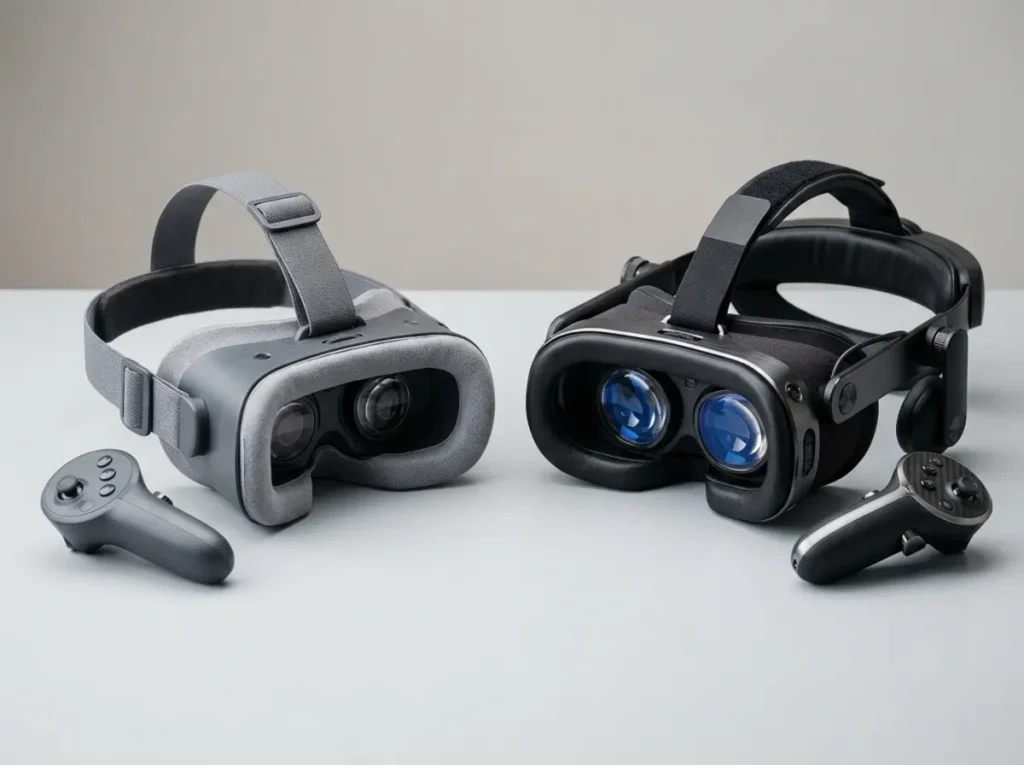
Some offer great graphics, some boast about a wide array of games available, while others are distinguished by their ability to support wireless streaming, eye tracking, or advanced mixed reality. The price varies from a couple hundred dollars to thousands.
However, there is a catch – great specs do not necessarily mean great user experience.
Headset that offers superb visual quality may become unpleasant to use after just one hour of usage. More affordable headset may feature the same popular games available on a pricier model, however the visuals would not be as clear.
There are four points that should be considered.
Comfort: The headset should fit your face great and distribute its weight evenly. Heavier headset part can be tiring during prolonged use.
Visual quality: The resolution still matters, but lens construction, field of view, refresh rate and clarity of details are the important factors as well.
Tracking: The headset must track the position of your head and movements of the controller accurately. Bad tracking can spoil your experience of playing a game by making the virtual space seem less real.
Software compatibility: Not all headsets support games from different sources. Meta’s store, SteamVR store, PlayStation VR2 and visionOS belong to separate software and hardware systems.
Meta Quest 3: Best Overall VR Headset
The Meta Quest 3 comes highly recommended for anyone looking for a versatile headset capable of performing a wide range of tasks.
Ideal for: Newcomers looking for something that will allow them to grow as well as casual gamers and PCVR enthusiasts.
Unlike traditional PC-bound headsets, the Quest 3 processes games using its integrated hardware. You don’t need to connect it to a PC every time you want to play. The headset can also be connected to a compatible gaming PC for PCVR games.
This makes it particularly attractive.
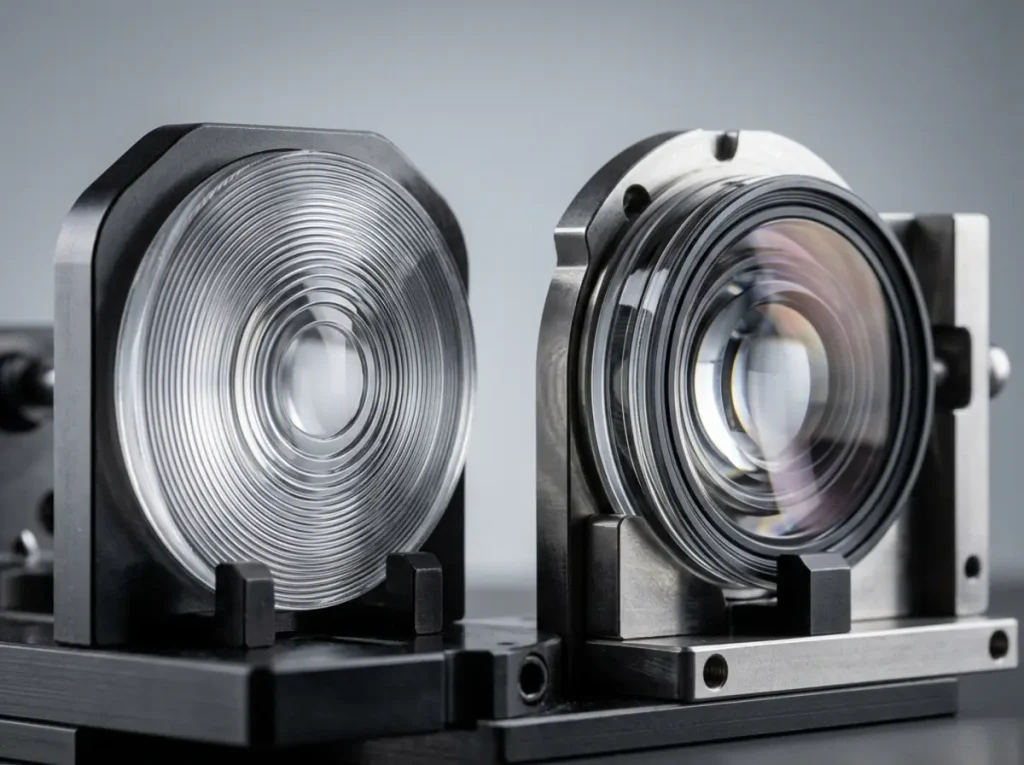
The pancake lenses are said to offer a much clearer viewing experience as they have more expanse of lens than the Fresnel optics of its predecessor – Quest 3S. Better resolution displays come in handy while reading text inside the game or seeing finer details.
This headset now boasts color passthrough as well. This feature allows utilizing the camera imaging our actual surroundings with digital objects merged with it. Suitable MR games and apps take advantage of this feature.
What makes it worth considering?
Play games on the headset without needing a computer.
Explore Meta’s library of games and apps.
Connect to a compatible gaming PC to play supported SteamVR titles.
Enjoy color mixed reality and hand tracking in supported apps.
Get sharper visuals than the more affordable Quest 3S.
The most significant disadvantage of the technology is the price tag. Upon the price increase by Meta in 2026, their 512GB model was given a price tag of $599.99, but do keep in mind that a variation could happen in the price due to retailer discounts. In addition, you should factor in the cost of accessories if you need something more comfortable, like head straps or additional batteries.
Final thoughts: If you are looking for a device that is perfect when it comes to convenience, visuals, and other features, then the device will meet your expectations.

Meta Quest 3S: Best Affordable VR Headset for Beginners
Not every consumer is willing to shell out $600 for a brand-new gaming device. Enter the Meta Quest 3S.
This gadget is engineered to provide users with the ultimate Quest experience at a much lower price. Thus, it can be termed as one of the best VR headsets for novice users.
However, the key point is that the Quest 3S boasts the same generation of primary processors as the Quest 3. It is capable of running most of its software, which means it supports plenty of popular games and experiences across mixed reality.
So, choosing to purchase a less expensive model does not mean that you will not have access to a range of beginner applications.
Where does it save money?
The primary distinction lies in the optical and display technologies being utilized. Quest 3S has installed Fresnel optical lenses and a lower quality display compared to Quest 3 headset. Due to its smaller lenses, Quest 3S offers a smaller viewable area, and users may observe more glare or vision problems in bright scenes.
The headset also has a wider and bigger front design.
For someone with no prior experience, these trade-offs may be very reasonable. They will still be able to visit multiple virtual places and play games, as well as perform exercises without the need to own a gaming PC.
Pros and cons
Pros
- Lower price point compared to Quest 3.
- Work without requiring a gaming PC.
- Access a wide range of Quest titles.
- Includes color passthrough and other mixed reality features.
Cons
- Fresnel lenses don’t provide the same flexibility as Quest 3’s pancake lenses.
- Image quality isn’t as high as that of Quest 3.
- The front-heavy build may not fit all faces.
- The battery life and comfort level may present issues for long gaming.
The 128GB variant has a price of $349.99 in the US after Meta’s 2026 price adjustment. Look for current offers and availability before purchase.
Conclusion: Quest 3S is a very good budget option for anyone looking for pure standalone VR experience without having to pay for Quest 3’s superior optics.
PlayStation VR2: Best for PS5 Gamers
If you own a PlayStation 5, make sure you check out PlayStation VR2 before spending money on a VR gaming system.
It is designed primarily to work with the PS5 hardware and includes special OLED displays, modern Sense controllers, ability to use headset feedback, and primarily eye-tracking features in compatible games.
One of its best features is the OLED screens, which give rich black levels and fantastic contrast.
This fact is significant in dark horror games, as well as other similar gaming scenarios.
Unfortunately, one big drawback is that PS VR2 is not a self-contained headset. In order to play native PlayStation VR games, you need to have a compatible PS5 and a proper room for playing.
Furthermore, Sony provides an adapter for using the headset with a PC, although PC games are not able to offer the same experience as PlayStation SVR games.
Who should buy it?
Opt for the PS VR2 if you own a PS5 and want to enjoy console gaming rather than having to configure Windows-based gaming PCs.
If you’re starting from zero and want the ability to play VR games in multiple rooms independent of any other device, it is generally better to go with a Quest headset.
Do check the current availability of stock, bundles and price before buying. Console accessories may have unpredictable availability and a low price advertised probably does not mean availability of everything you need.
Conclusion: It is an excellent option for PlayStation owners interested in dedicated VR gaming.
Valve Steam Frame: Best for Steam-Focused VR Gaming
Valve’s Steam Frame is worth considering if your gaming life already revolves around Steam.
It combines wireless VR hardware with the Steam ecosystem and is designed to stream games from compatible devices, including a gaming PC. It also supports standalone gaming for compatible titles.
That means you aren’t limited to one type of VR experience. You can use supported standalone games when you want to play independently and turn to PC streaming for more demanding titles in your Steam library.
The headset features inside-out tracking, integrated audio, and a modular head strap. Its eye-tracking capabilities also support technologies designed to make streaming more efficient.
But there’s an important distinction between a headset being announced, being listed for sale, and being readily available to buy.
Is it better than a Quest headset?
Not everyone requires this.
Due to its standing in the field, Quest 3 becomes the preferred choice for buyers who want to play games on independent devices and have a chance to try out PCVR. At the same time, Steam Frame is better for those who prefer Steam platform technology and wish to use the headset specifically developed for this platform.
When it comes to playing mainstream VR games without the need for a PC, it can be worth weighing out what games exist exclusively for each device.
Pimax Crystal Light: Best for Racing and Flight Simulators
Some people who enjoy playing games in virtual reality care less about casual games and care more about experiencing the fine detail in a cockpit.
If those gamers sound like you, take a closer look at the Pimax Crystal Light then.
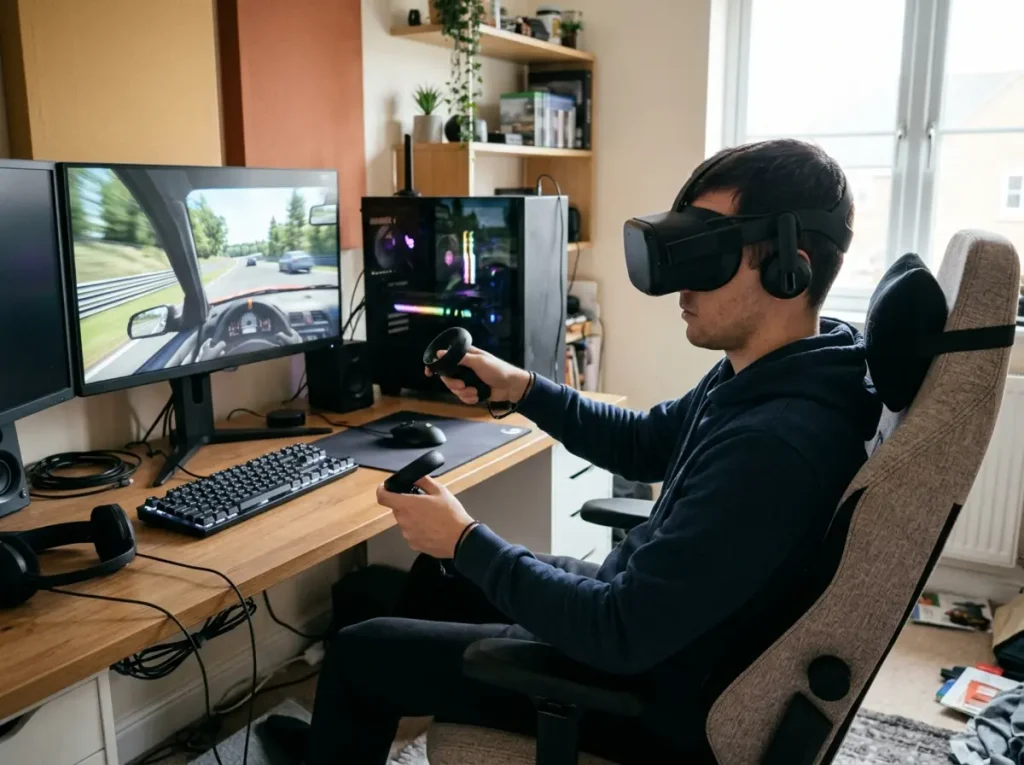
It’s a high-end PCVR headset and running it will take a high-quality gaming PC, and thus it’s of great interest to those who love flight simulators, racing games, and other PC experiences that require sophisticated graphics hardware.
A high-resolution display allows one to see the dials in the cockpit, to detect some objects in the distance, and enjoy complex scenery, which will be welcomed by those gamers who want to enjoy quality virtual experiences instead of those who prefer room-scale games or watching movies.
Still, users will have to make use of a solid gaming PC to implement the best possible gaming results. As for this device, a gamer needs to look at the performance of his card, the system requirements for usage, the graphics and connection specifications of his PC.
Verdict: A strong specialist option for simulation enthusiasts who value visual detail and already have suitable PC hardware. For casual gaming, a Quest headset is usually easier to recommend.
Standalone VR vs. PCVR: Which One Do You Need?
This is probably the most important decision you’ll make before you buy a virtual reality headset.
Standalone VR
This is probably the most important decision you’ll make before you buy a virtual reality headset.
A standalone headset contains its own processor, memory, storage, battery, and operating system. You download compatible games and apps directly to the device.
The advantages are straightforward:
- No gaming PC required.
- Fewer cables and less setup.
- Easy to move between rooms.
- Simple access to casual games, fitness apps, and social experiences.
Unfortunately, the headset is responsible for its own processing. Its graphics are impeded by its hardware and power limitations.

PCVR
PCVR connects to a gaming computer, which prepares the virtual environment. The headset connects to the computer through a wire or wireless connection.
A good PC has capabilities to offer spectacular graphics, elaborate simulations and the full catalogue of games on SteamVR.
Still, the costs will be much higher. You may need to adjust your GPU or your home network or find time to optimize your system.
Which is the better option?
| Your situation | Better starting point |
| You’re new to VR | Meta Quest 3S |
| You want a versatile standalone headset | Meta Quest 3 |
| You own a PS5 | PlayStation VR2 |
| You play demanding PC simulators | Pimax Crystal Light |
| Your games are mostly on Steam | Compare Quest 3 and Steam Frame |
| You want premium spatial computing | Apple Vision Pro |
The good news is that you don’t necessarily have to choose one approach forever. Quest 3 and Quest 3S can operate independently and also connect to a compatible PC for supported PCVR experiences.
Tracking Technology Explained
Tracking is what makes VR feel interactive rather than like watching a screen strapped to your face.
A headset needs to understand where your head is in the room, while its controllers need to follow your hands accurately enough for you to grab objects, aim, swing, and interact with virtual environments.
Two tracking approaches are worth understanding.
Inside-out tracking
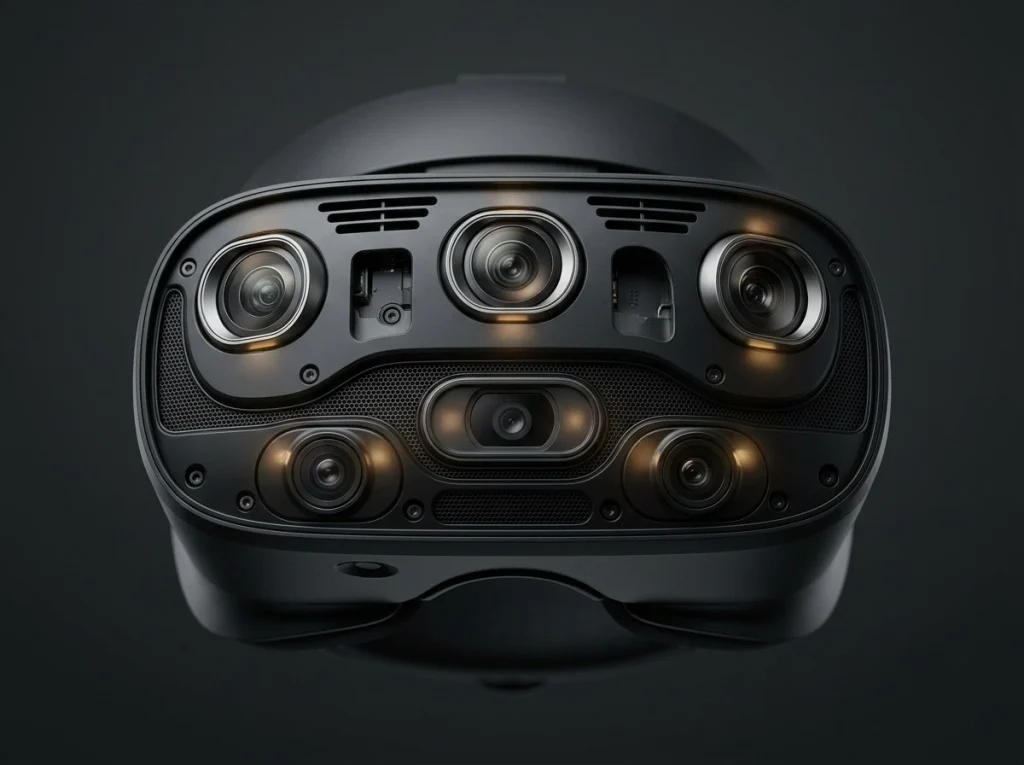
Inside-out tracking uses cameras and sensors built into the headset to estimate its position relative to the surrounding environment. Supported controllers are tracked through the headset’s cameras and other sensors.
This approach is common in modern standalone VR systems.
You don’t need to install external tracking stations around your room. In most cases, you define a play area, let the headset scan the surroundings, and start playing.
That’s one reason the Quest family works well for beginners.
The trade-off is that tracking can be affected by poor lighting, featureless surroundings, or controllers moving outside the cameras’ useful viewing area. Tracking behavior also depends on the headset and controller design.
Outside-in tracking
Outside-in systems rely on external sensors or cameras placed in the vicinity of the playing space to monitor the movement of the headset and its controllers based on the configuration of the system.
An excellent illustration of the lighthouse tracking system is Valve Index.
Unlike inside-out tracking, external tracking is capable of delivering very high accuracy and precision in terms of the headset, which is important when it comes to PC VR applications. On the downside, implementing such a technology requires a lot of effort.
In practical terms, the proper mounting location should be provided that needs power supply, not to mention the space that should allow for the coverage of the tracking system.
For the majority of new customers, inside-out tracking will be a more suitable solution. At the same time, outside-in tracking is a viable option in case you don’t mind putting in an extra effort if you need a top-notch PCVR system.
What Are Base Stations or Lighthouses?
Base stations, also known as lighthouses, are tracking devices used with VR devices that are compatible with these stations.
These stations emit infrared rays which work with the sensors in the headsets/controllers to track the position of the various equipment.
In simple terms, these stations serve as fixed points in the given space.
However, base stations are not universal accessories as one should not expect the headsets to work with any base stations like that. Tracking equipment should be compatible with each other.
Before purchasing a lighthouse based headset, it should be made certain that all necessary equipment is included in the price.

Are There Wireless PCVR Headsets?
Yes. Wireless PCVR lets you play games rendered by your computer without running a physical cable between the PC and the headset.
Meta Quest headsets can use supported wireless PCVR software, including Air Link and Steam Link, while Valve Steam Frame is designed around wireless streaming within the Steam ecosystem.
But wireless VR is more demanding than ordinary video streaming.
The headset needs to receive visual information quickly and consistently while sending tracking information back to the computer. High latency, network congestion, and unstable connections can make movement feel disconnected from what you see.
What do you need for smoother wireless PCVR?
Start with a capable gaming PC and a reliable home network.
- A Wi-Fi 6 or Wi-Fi 6E router is a useful starting point; newer compatible equipment may also help.
- Use a wired Ethernet connection between the gaming PC and router when practical.
- Keep the headset in a strong Wi-Fi coverage area.
- Avoid competing network traffic during demanding sessions.
- Check the headset’s recommended connection settings and supported streaming software.
Wi-Fi 6E can provide access to the 6GHz band when both your router and headset support it and local regulations permit its use. However, a newer router alone won’t guarantee low latency.
Your room layout, interference, PC performance, and wireless configuration all matter.
If you’re sensitive to motion sickness, aim for a stable frame rate and low latency. Start with shorter sessions, take breaks, and stop if you feel uncomfortable.
A wired connection may be the better choice if you prioritize consistency over freedom of movement.
Practical Ways to Use a VR Headset
People don’t think of VR in ways other than gaming. The type of experience you desire should affect your choice of headset.
Play games casually: Here a Quest 3S might be sufficient for the person interested in experiencing rhythm games, interactive adventures, as well as social games together with not making heavy investments in devices.
Work out: Standalone devices are considered practical because one can move freely without being bound by cables connected to a computer. Make sure you have enough room to move and think about purchasing a good head strap.
Watch movies and work on virtual screens: A VR headset can transform your tiny living room into a big cinema for those video applications that support VR and devices which are suitable.
In terms of racing games and flight simulations, PCVR headsets provide excellent cockpit detail and a far more realistic sense of volumetric space. Making sure that your PC has equally good graphics capability is important.
In the case of mixed reality: Through color-pass-through technology, mixed reality apps can allow users to mix virtual images with the real world. The newest Quest 3 and 3S headsets can handle mixed-reality apps but differ from each other in their hardware specs.
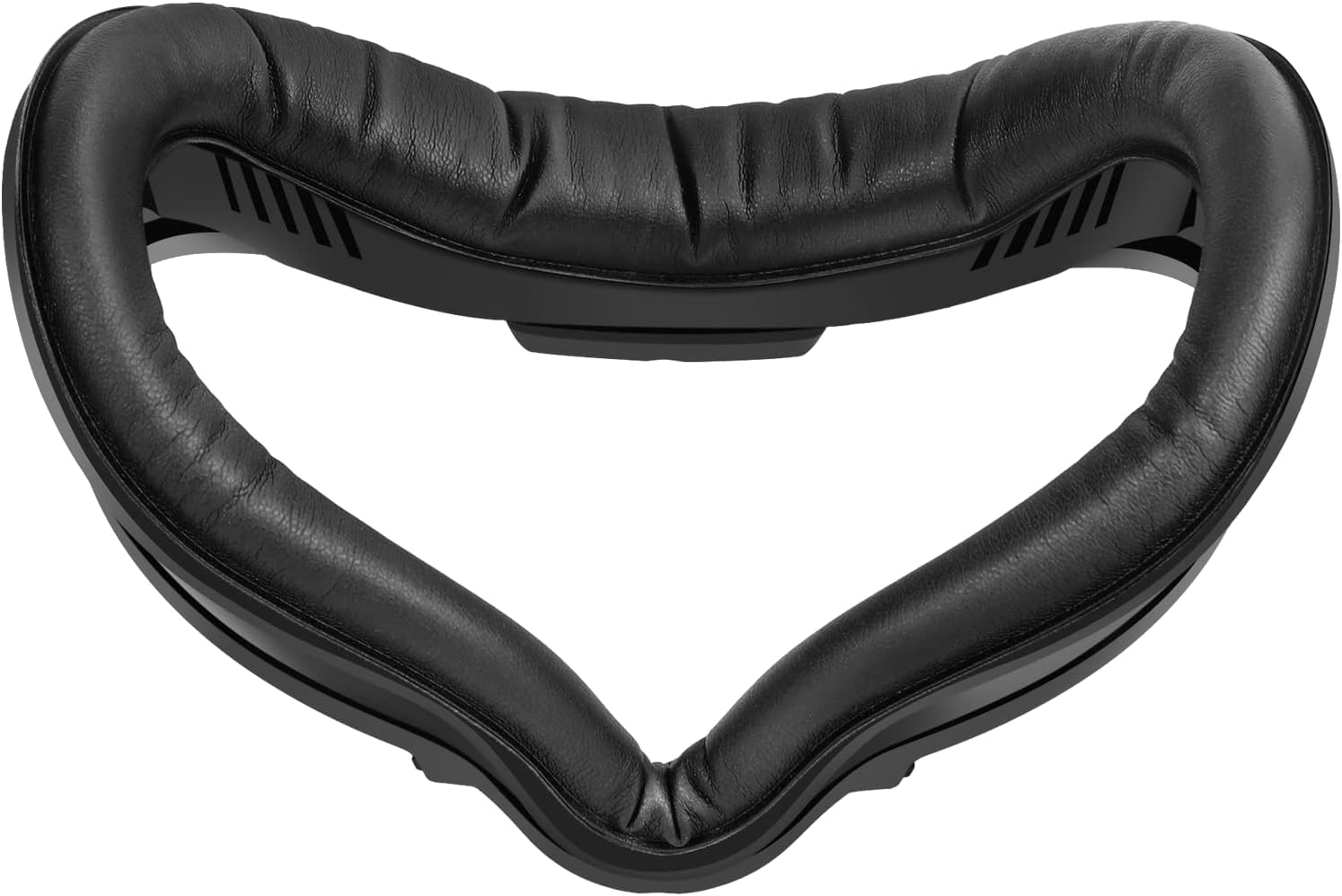
And one last thing to keep in mind is that it’s best not to assume one headset will fit all face shapes or glasses prescriptions. Always make sure to check which accessories you will need, such as different types of facial interfaces and/or lenses.
Pros and Cons of Buying a VR Headset in 2026
The advantages
- Standalone options: You can start using it without buying a gaming PC.
- Software choices: Established ecosystems provide games, fitness experiences, entertainment and productivity apps.
- Mixed reality: Color passthrough and room-aware experiences are available on several current headsets.
- Flexibility: Supported devices can help reduce cable clutter and make movement feel more natural.
- Options, at price points: You can begin with an entry-level device or choose to invest in a specialist PCVR setup.
The disadvantages
- Comfort remains personal: Weight distribution, fit and head straps can make or break long sessions.
- Battery life is limited: Standalone headsets need to be charged and intense experiences can use power quickly.
- The best visuals can cost more: Higher-end PCVR often requires computer hardware.
- Not every game works everywhere: Check platform compatibility before buying.
- Accessories add up: Prescription inserts, upgraded straps charging accessories and PC hardware may increase your cost.
A headsets purchase price is part of the decision. Think about what you will need to use it and access the games you want.