

Disclaimer: Brand Quality Products is reader-supported. When you buy through links on our site, we may earn an affiliate commission.
Imagine being able to ask your glasses about a cool new building as you walk around a new city. Or take hands-free videos of your family. Maybe you just want to listen to some music, answer phone calls and use an AI assistant to quickly answer questions as you run around doing your errands.
This is where AI smart glasses come into play.
While these wearable devices are becoming more useful, there are many considerations to make when choosing a good pair. Some glasses have cameras, microphones, speakers, and voice assistants. Others put digital information directly in front of your eyes. A few are designed primarily for watching movies on a large virtual screen.
And the differences matter.
The best AI smart glasses for someone who creates social media videos might be completely wrong for someone who wants discreet navigation or a portable display for work.
In this guide, we’ll look at five options worth considering in 2026, explain what each one does best, and cover the limitations you should know about before spending your money. The recommendations are based on published specifications and product features, rather than a claim that every pair has been independently tested.
Quick Overview: Our Top Picks
Top choice overall: Ray-Ban Meta (Gen 3) – Smart glasses with AI, camera, and open ear audio.
Best for active lifestyles: Oakley Meta HSTN – Designed for using the AI and camera hands free whilst active outdoors.
Best for visual AI features: Meta Ray-Ban Display – Adds a display inside the lenses allowing you to view supported notifications.
Best for work and discreet reading: Even Realities G2 – Focuses around display, making it great for reading information. No traditional camera.
Best for entertainment: XREAL One Pro – Virtual display for watching movies, gaming and using your laptop.
Not all of these are AI assistants. The XREAL One Pro is mostly a display, whereas the Ray-Ban Meta range focuses more on camera, audio and voice assistance.

AI Smart Glasses in 2026: What’s Changing?
The big change is that smart glasses are moving on from the novelty features.
The early models were all about the ability to take a photo or play some music. The newer ones are building on that foundation with more sophisticated voice assistants, hands free translation, visual recognition, messaging and better integration with the smartphone.
Meta’s 2026 range is the clearest example of this. The third gen Ray-Ban Meta glasses feature a thinner camera, 3K video and up to 9 hours of battery life (as per the manufacturer’s stated usage conditions). There’s also the Meta Ray-Ban Display which has a full colour display in one lens. The US product pages list them at $449 and $799 respectively. Prices and availability are subject to change.
Another one is specialisation. The Oakley Meta range is aimed at the active user, the display glasses at the user who just wants to get directions, get text etc without having to keep looking at their phone.
Privacy is also increasingly becoming a factor in the purchase decision. Glasses with cameras can record naturally as you go about your day, but people in the vicinity may not always be aware of when you’re recording. The recording indicator from the manufacturer, the local legislation and the expectations of the people around you all come into play.
Looking forward it’s entirely possible that more capable AI assistants and better on-device interactions will make these products more useful. The same caveat applies though with regard to features such as live translation, visual Q&A and messaging. Those features are all dependent on the software, connectivity, supported languages and regional availability. A feature that a manufacturer may advertise may not work in the same way in every country.
The practical lesson is to buy for the features you can actually use now rather than just for what a future software update might bring.
Understanding the Main Types of Smart Glasses
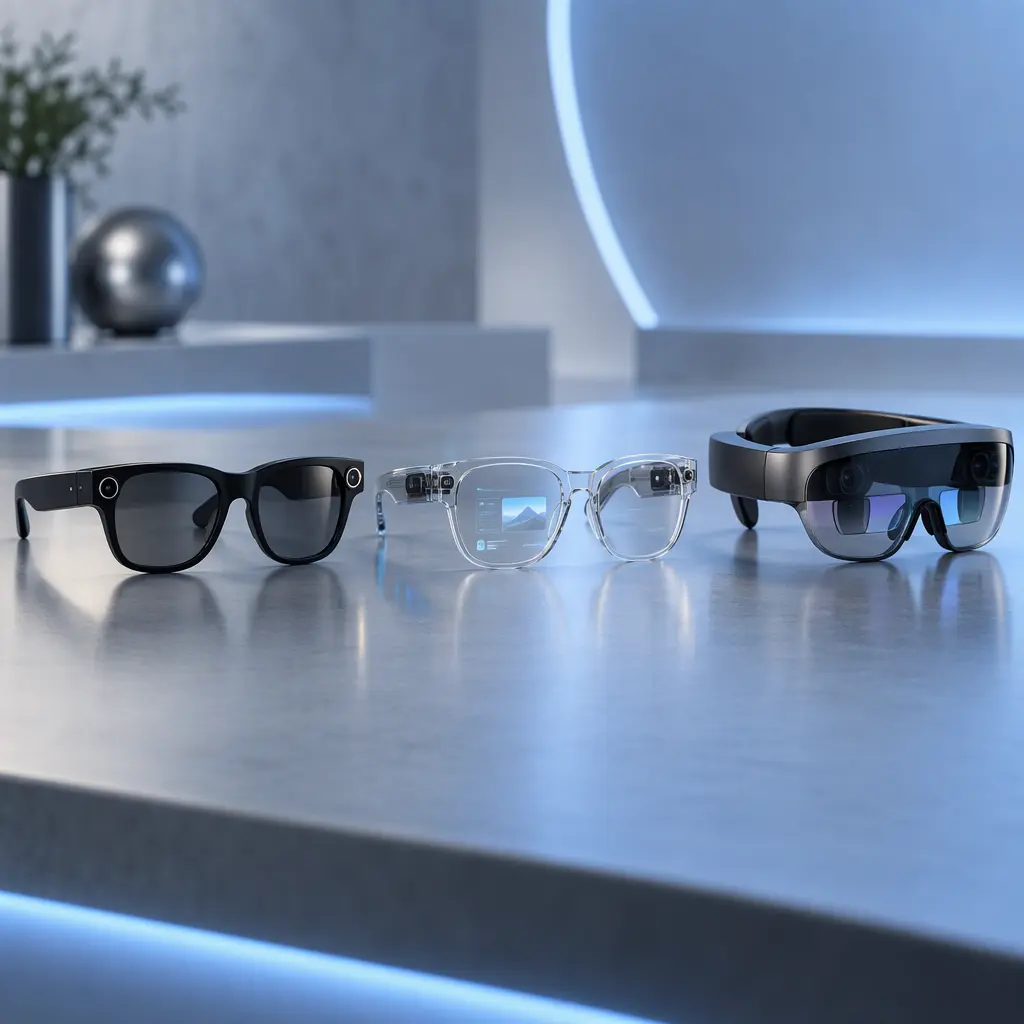
Before comparing individual models, it helps to understand the three main categories.
Camera and Audio AI Glasses
These are similar to regular glasses, but usually have a built-in camera, microphone, speaker and AI assistant.
This allows you to take photos, record videos, make calls, listen to music and ask questions through voice commands. The advantage of this is that it is very convenient and you don’t have to hold your phone.
The downside is that most of these don’t display any text or visuals. Instead you’ll normally get a response through audio or you can use a separate app.
Best Suited For: Everyday use, social media creators, travellers and those who want hands free assistance.
AI Glasses With an In-Lens Display
Provides a small visual display on the glasses providing you with messages, directions, subtitles, translations and brief snippets depending on what model you have.
Can be very helpful if you need to quickly view some information but can vary greatly on the size, brightness, colour accuracy and range of apps available.
Best for: Ideal for professionals, those that commute and people who want information shown to them unobtrusively.
Smart Display and XR Glasses
The main purpose of these are to create a big virtual screen for entertainment, gaming, or connecting to another device.
They often need a compatible phone, computer or video source to work, and whilst some have spatial elements to make placing your virtual screen easier, they are not a universal AI assistant.
Best for: Entertainment, Gaming and Portable Multi Screen.
Ray-Ban Meta (Gen 3) — Best Overall AI Smart Glasses
Best for: Everyday use, travel, hands-free photography, and social media content.
The Ray-Ban Meta (Gen 3) is the easiest starting point for most people who want AI glasses that still look like regular eyewear. It combines familiar Ray-Ban styling with a camera, open-ear audio, and Meta AI.
You don’t need to learn an entirely new way of wearing technology. Put them on, connect them to your phone, and use voice commands when you want to capture a moment, listen to something, or ask a question.
Key features
- 12MP ultra-wide camera with a 100-degree field of view.
- Up to 3K Ultra HD video recording.
- Open-ear speakers and a six-microphone array.
- Meta AI for supported voice assistance, visual questions, and translation features.
- Up to nine hours of battery life, according to the manufacturer.
- Multiple frame styles, with compatible prescription and transition lens options.
What makes them useful?
Think about walking through a crowded farmers market or exploring a city on vacation. Instead of pulling out your phone every time something catches your attention, you can capture a photo or short video from your own perspective.
The open-ear speakers are useful for calls, podcasts, and music because they don’t seal off your ears like conventional earbuds. You can still hear much of what’s happening around you, although audio leakage and environmental noise depend on the situation.
The AI assistant is another reason to consider this model. You can ask questions about what you’re looking at or request information without reaching for your phone. Just remember that visual recognition and other advanced features depend on software support, connectivity, and availability in your region.
Pros
- Familiar, fashionable frame designs.
- Hands-free photos and high-resolution video.
- Convenient calls, music, and voice assistance.
- Prescription-compatible options are available.
Cons
- No built-in visual display on this model.
- Battery life depends on recording and AI usage.
- Camera recording may make people nearby uncomfortable.
Verdict: If you want one pair of smart glasses for everyday life rather than a specialized gadget, start here. Check the available frame sizes and lens options before ordering.
Oakley Meta HSTN — Best AI Glasses for Active Lifestyles
Best for: Outdoor activities, workouts, cycling breaks, and people who prefer sportier eyewear.
Not everyone wants their smart glasses to look like classic fashion frames. The Oakley Meta HSTN takes a more athletic approach, combining Oakley’s distinctive design with Meta’s camera, audio, and AI features.
It’s a sensible option for people who spend a lot of time outside and want their eyewear to do more than protect their eyes.
Key features
- Camera for hands-free photo and video capture.
- Open-ear audio and voice controls.
- Meta AI assistance.
- IPX4 water resistance.
- Integration with selected fitness services and compatible devices.
- Sport-oriented frame design and lens options.
What makes them useful?
Imagine finishing a trail walk and wanting to capture the view without stopping to take your phone out of your pocket. Camera glasses can make that moment easier to record.
The HSTN also supports hands-free assistance and fitness-related features. Oakley highlights integrations with Garmin and Strava, although some capabilities require compatible devices or services.
There is one important distinction: IPX4 means resistance to splashes, not waterproofing. These glasses aren’t designed for submersion or prolonged exposure to water, so they shouldn’t be treated like rugged sports equipment that can handle every condition.
Pros
- Sportier styling than traditional lifestyle glasses.
- Hands-free capture and audio.
- Useful AI and fitness integrations.
- IPX4 splash resistance.
Cons
- No in-lens display on the HSTN.
- Not suitable for swimming or submersion.
- Some fitness features depend on compatible services and devices.
Verdict: Choose the HSTN if your daily routine involves outdoor activities and you prefer performance-oriented eyewear. For general everyday wear, compare the frame shape and comfort against Ray-Ban Meta before deciding.
Meta Ray-Ban Display — Best for Visual AI Features
Best for: Professionals, commuters, and users who want notifications and information in their field of view.
The Meta Ray-Ban Display takes a different approach from camera-and-audio glasses. It includes a full-color display integrated into the right lens, allowing supported information to appear directly in front of you.
That changes the experience.
Instead of relying entirely on spoken answers, you can view certain notifications, check supported information, and interact with selected messaging features. Meta also offers a Neural Band, which uses wrist-based input to support interactions with the glasses.
Key features
- Full-color 600 × 600-pixel in-lens display.
- 12MP ultra-wide camera with digital zoom.
- Open-ear speakers and microphones.
- Support for selected messaging and notification features.
- Meta Neural Band input accessory.
- Up to six hours of use on a single charge, according to the manufacturer.
What makes them useful?
Imagine you’re walking to a meeting and need to check an incoming message. A supported glanceable display can be more convenient than repeatedly unlocking your phone.
The same idea applies to live captions and other supported visual features. Information appears where you can glance at it, rather than requiring you to listen to every response.
But there are trade-offs. The Display model costs more than standard Ray-Ban Meta glasses, and the experience depends on supported apps, software, and connected devices. You should also make sure you’re comfortable with a digital display in your field of view.
Meta lists a starting US price of $799.
Pros
- Built-in color display rather than audio-only feedback.
- Convenient access to supported notifications.
- Hands-free interaction options.
- Camera and AI features in one device.
Cons
- Significantly more expensive than standard camera glasses.
- Limited by supported applications and functions.
- Shorter stated battery life than Gen 3 Ray-Ban Meta.
Verdict: Consider this model if seeing information matters more to you than simply hearing an AI assistant. If your main priorities are music, calls, and photos, the less expensive Ray-Ban Meta models may offer better value.
Even Realities G2 — Best for Work and Discreet Information
Best for: Professionals, frequent readers, and people who prefer display glasses without a built-in camera.
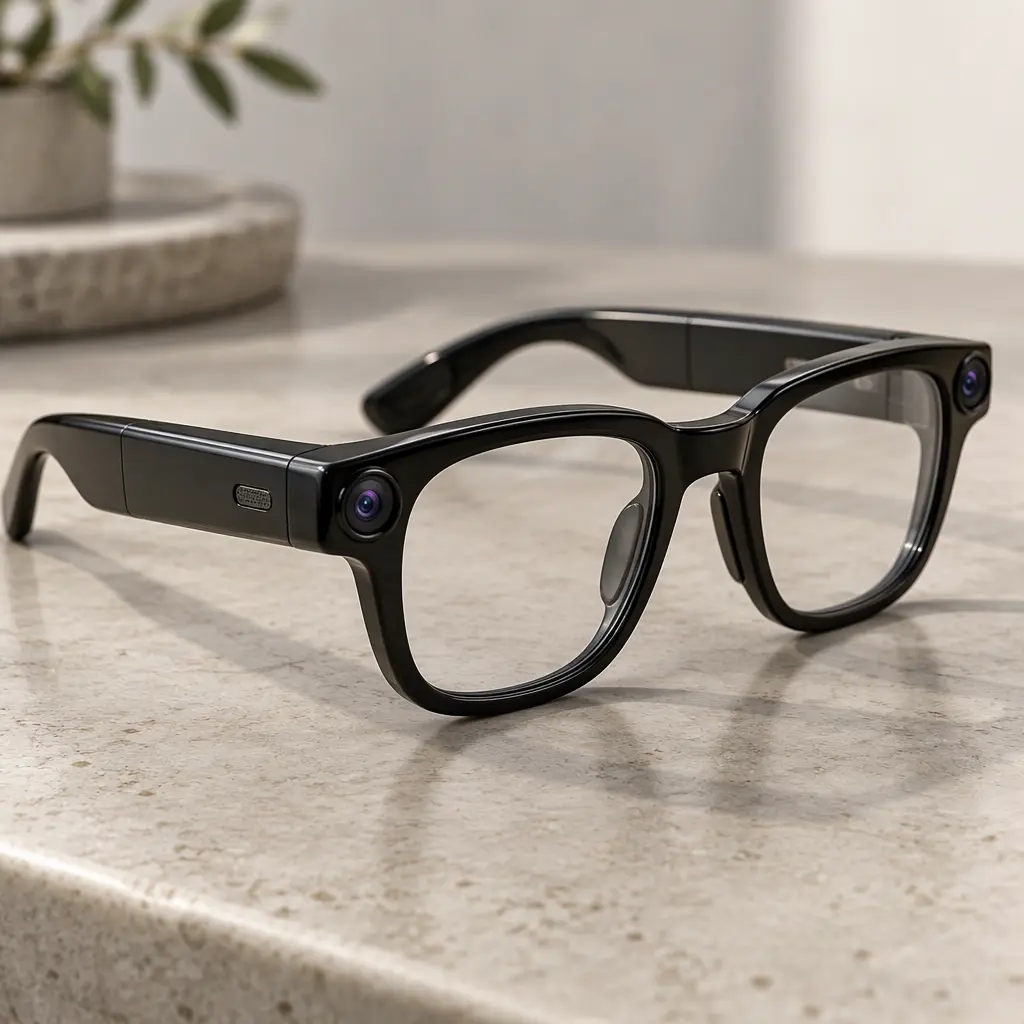
The Even Realities G2 is worth considering if you want smart eyewear for information rather than photography. Its design emphasizes a discreet display, lightweight materials, and useful information presented through the lenses.
One major difference is that the G2 has no built-in camera or speakers. That may sound like a limitation, but it is also part of its appeal for people who don’t want camera-equipped glasses.
Key features
- Binocular green micro-LED display.
- 640 × 350-pixel stated display resolution.
- Four microphones.
- Magnesium-alloy frame with titanium-alloy temples.
- IP65 water and dust resistance.
- Manufacturer-rated typical use of up to two days.
What makes them useful?
For a workday filled with appointments, reminders, and quick information checks, display-focused glasses can reduce the need to look down at a phone. The G2 is designed around that kind of glanceable interaction.
Its monochrome green display isn’t intended to reproduce a colorful virtual cinema. Instead, it focuses on text and compact information. The lack of built-in speakers also means you shouldn’t expect the same music-listening experience as Ray-Ban Meta.
The phone remains important because many functions rely on the connected device and companion software. Before buying, check whether the particular features you want are supported by the current app.
Even Realities publishes the G2’s hardware specifications and battery details in its support documentation.
Pros
- Display-focused design without a built-in camera.
- Lightweight metal frame construction.
- Useful for discreet information and notifications.
- IP65-rated water and dust resistance.
Cons
- Monochrome display rather than full color.
- No built-in speakers or camera.
- Functionality depends on compatible software.
Verdict: The G2 makes more sense for information-focused users than for content creators. It’s a good category to explore if you want smart eyewear but don’t need to record photos or listen to music through your glasses.
XREAL One Pro — Best for Entertainment and Portable Screens
Best for: Frequent travelers, handheld gaming, watching movies, and laptop users.
The XREAL One Pro belongs to the display-glasses category rather than the traditional AI assistant category. It’s included because many shoppers comparing smart glasses also want a virtual screen for entertainment and productivity.
Instead of concentrating on a camera and voice assistant, XREAL focuses on presenting content from compatible devices through a large virtual display.
Key features
- 1080p-per-eye-class display output.
- Up to 120Hz refresh rate.
- 57-degree field of view.
- XREAL X1 spatial computing chip.
- Built-in Bose-tuned audio.
- Three-degree-of-freedom spatial tracking.
- Starting US price listed at $539 at the time of checking.
What makes them useful?
Picture a long flight with a handheld gaming device or a laptop. Rather than relying on a small built-in screen, you can use the glasses to create a much larger virtual viewing area.
The same approach works for watching movies or giving yourself extra screen space when working away from home. The built-in spatial features can help keep the virtual screen positioned as you move your head.
However, these aren’t ordinary AI spectacles that independently answer questions about your surroundings. You’ll need to check device compatibility, connection requirements, and whether your intended phone, computer, or gaming system supports the experience you want.
The manufacturer advertises a virtual screen of up to 171 inches, along with 120Hz visuals and a 57-degree field of view.
Pros
- Large virtual screen for movies and gaming.
- High refresh rate for smoother supported content.
- Spatial display features built into the glasses.
- Useful with compatible entertainment and productivity devices.
Cons
- Primarily a display device, not a full AI assistant.
- Requires a compatible content source for most uses.
- More specialized than everyday camera-and-audio glasses.
Verdict: If your goal is to turn a compatible device into a portable big-screen setup, the XREAL One Pro is worth considering. If you want hands-free photography and conversational AI, choose one of the other models instead.
Simple Buying Guide: What Should You Check Before Buying?
The product names are only part of the decision. A few practical checks can save you from buying a pair that looks impressive on paper but doesn’t fit your routine.
Decide whether you need a camera or a display
This is the most important decision.
If you want to record everyday moments, take calls, listen to music, and use voice commands, camera-and-audio glasses are the natural starting point.
If you want to read notifications, view captions, or access information visually, consider display glasses.
And if your main goal is watching movies or gaming, a dedicated display model may be more appropriate than AI-first eyewear.
Check AI features and regional availability
Don’t assume every AI feature works everywhere. Live translation, visual search, messaging, voice commands, and third-party integrations can depend on your country, language, smartphone, and software version.
Check the current product documentation before ordering.
Consider battery life realistically
Manufacturer battery figures are useful for comparing products, but your actual results will vary.
Recording video, using the AI assistant frequently, streaming audio, and maintaining a wireless connection can all affect battery life. If you plan to wear your glasses from morning until evening, look at both the glasses’ battery and the charging case.
Get the frame and prescription right
Smart glasses are still glasses. If the frame pinches your temples, slips down your nose, or feels too heavy, you’ll probably leave them at home.
Check the available sizes, bridge fit, lens types, and prescription compatibility. For display glasses, also check any eye-position or interpupillary-distance requirements.
Think about privacy
Camera-equipped glasses can be useful, but they’re not appropriate for every situation. Respect recording indicators, local laws, workplace policies, and other people’s expectations.
If you don’t want a camera at all, a display-focused model such as the Even Realities G2 may suit you better.
Set a realistic budget
The prices of these devices vary considerably. Standard camera-and-audio glasses generally cost less than models with an in-lens display, while specialized XR glasses can be a separate investment.
Remember to include prescription lenses, accessories, and any compatible devices you might need. Also compare the manufacturer’s current price with retailer offers before checking out.
Final Thoughts: Which AI Smart Glasses Should You Buy?
The best AI smart glasses are the ones that solve a problem you’ll actually encounter during the day.
For most people looking for a versatile everyday pair, the Ray-Ban Meta (Gen 3) is the strongest starting point. It combines recognizable styling, hands-free capture, open-ear audio, and AI assistance without making a visual display the center of the experience.
Choose the Oakley Meta HSTN if you prefer athletic eyewear and want features suited to an active routine. The Meta Ray-Ban Display is more compelling if seeing information directly in your field of view is a priority. For discreet, information-focused use without a built-in camera, look at the Even Realities G2. And if you mainly want a big virtual screen for entertainment, the XREAL One Pro is the more relevant choice.
One last tip: don’t pay extra for features you won’t use. Decide whether your priority is photography, AI assistance, visual information, or entertainment, then compare the models within that category.
That simple step will make it much easier to find smart glasses that fit your lifestyle instead of becoming another gadget sitting in a drawer.