

The modern life is so busy that smart watches have become increasingly useful for iPhone owners. They tend to offer notifications, track health, and productivity, among other things. Whether you intend to invest in an Apple mobile watch or are checking to see if an Android watch pairs well with an iPhone, this article answers all your questions. We will be comparing several smartwatches iPhone compatible, followed by the dive into the health monitoring watch for iPhone charts, and finally, some recommendations for watches that go by the big name of Apple Watch for those who want a different option. If that is quite an interest of yours: Best smart watch to connect an iPhone.
Why Compatibility Matters: iOS vs. WatchOS vs. Android
In the selection process for a smartwatch to complement your iPhone, the utmost consideration goes to compatibility. In fact, Apple devices are often termed ecosystem lock-in, meaning they function optimally with accessories bearing the Apple label, especially wearable ones.
The Apple Watch pairs seamlessly with iPhones, conferring capabilities such as iMessage, Apple Pay, Siri, ECG, and much more.
On the other hand, third-party smartwatches that are iPhone compatible may not provide full utilization of the features. For example, in the case of Android watches, the ability to reply to a text or Siri voice commands could be missing out when linked with iOS.
In general, an Apple Watch is the go-to choice for any iPhone user, but there are good options if you are willing to sacrifice a few things in this regard.
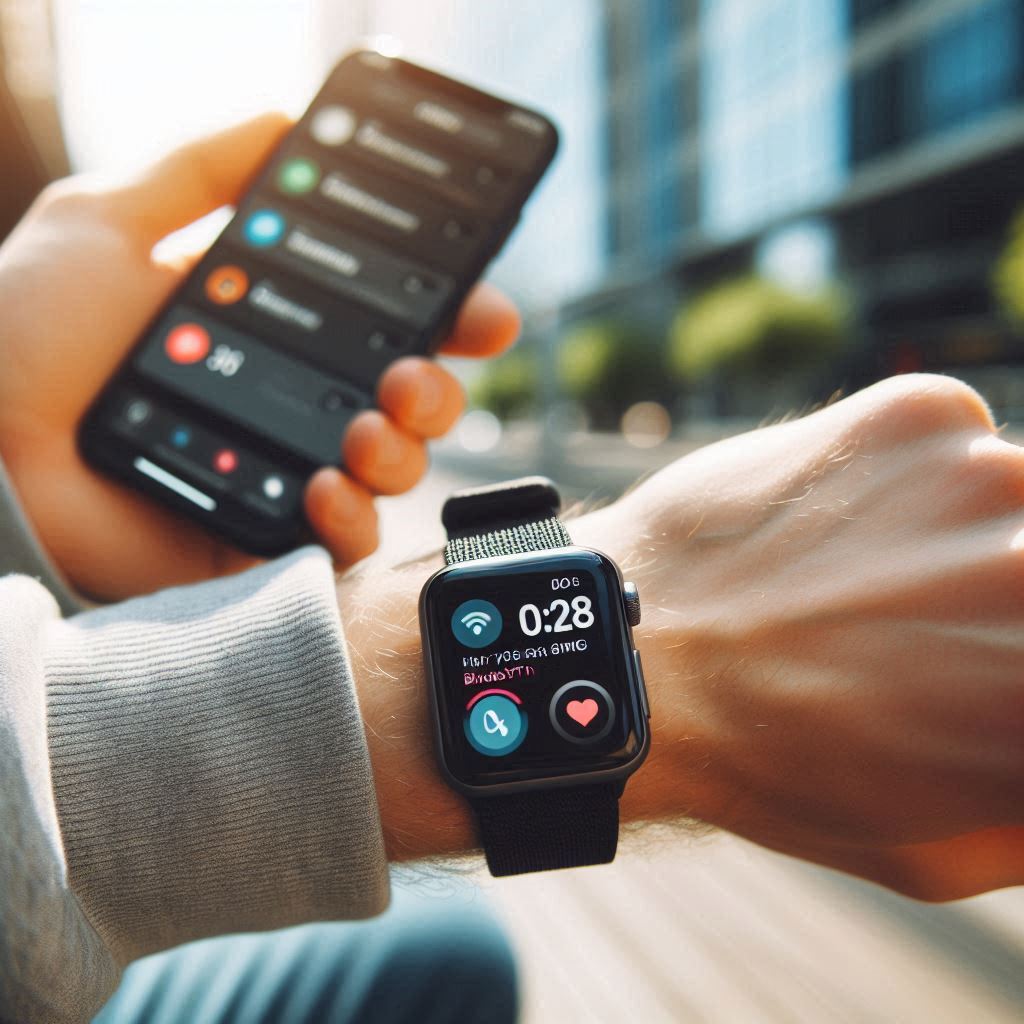
Best 5 Smart Watches for iPhone Users
Buying guide for the most reliable and feature-packed smartwatches for iPhone users on different budgets and for different needs.
Compatibility: Compatible with iPhone XS or later i.e. phones running iOS 17 and newer versions.
Features offered:
Always-on Retina display
Blood oxygen sensor & ECG
Siri on-device processing
Crash detection & Emergency SOS
Pros: Great iPhone synergy, very fast in performance, and complimented by rich apps ecosystem.
Cons: Expensive.
Price: Starting at $399.
✅ Recommended for those who want the most powerful Apple mobile watch on their wrist.
Compatibility: iPhone 8 or newer
Key Features:
- Heart-rate tracking
- Fall detection
- Emergency SOS
Pros: Affordable and accurate health tracking
Cons: No ECG and blood oxygen monitoring
Price: Starts from $249.
✅ Great entry-level health monitoring watch for iPhone users.
Compatibility: iOS and Android
Key Features:
Sleep scoring, SpO2 monitoring
6 Days battery life.
Call and text notifications.
Pros: Lightweight, affordable, best fitness features.
Cons: No reply to messages in iOS
Price: Approximately $199
✅ Best for fitness users seeking an alternative to the smartwatch iPhone compatible.
Compatibility: iPhone and Android
Key Features:
Built-in GPS
Body Battery energy monitoring
On-screen workouts
Pros: Great fitness tracking, sturdy build
Cons: Expensive, few third-party apps
Price: About $450
✅ Perfect for athletes & runner who need a health monitoring watch for iPhone with precision.
Compatibility: Limited iPhone support
Key Features:
Wear OS 4
AMOLED display
Sleep and stress monitoring
Pros: Slender design, tough hardware
Cons: App installation and messages sync with iPhone not supported
Price: Approx. $299
✅Good smart watch comparable to Apple Watch with limited iPhone functionality.
Can Android Watches Pair with iPhone?
Well, many Android watches can pair with an iPhone, but the experience is not equal. The basic features work: Bluetooth pairing, steps tracking, and notifications; however, some core interactions such as replying to messages, app syncing, or the use of Google Assistant are either limited or do not function.
For example:
Samsung Galaxy Watch: Can receive notifications, but cannot reply to messages, or use Samsung Pay on iPhone.
Fossil Gen 6: Good enough for time, fitness, and alerts—less better at syncing apps.
✅ Recommendation: Limited features are to be expected when you pair an Android watch with iPhone. Best suited for users that need only the bare minimum.
Health Monitoring Features That Matter for iPhone Users
Smartwatch sales have had a healthful bent. Apple Watches lead the pack in health applications, but several smartwatches iPhone compatible also serve these functions adequately.
Top Features to Look For:
- Heart Rate Monitor
- SpO2 (Blood Oxygen)
- ECG (Electrocardiogram)
- Sleep Tracking
- Menstrual Cycles Tracking
- Stress Monitoring
Most of these features come with Apple Watch Series 9 as well as the SE. If you’re looking for medical-grade accuracy and battery life, Garmin Venu 2 Plus and Withings ScanWatch are the way to go.
So, if you are profoundly into health, securing a good health monitoring watch for iPhone is a wise investment.
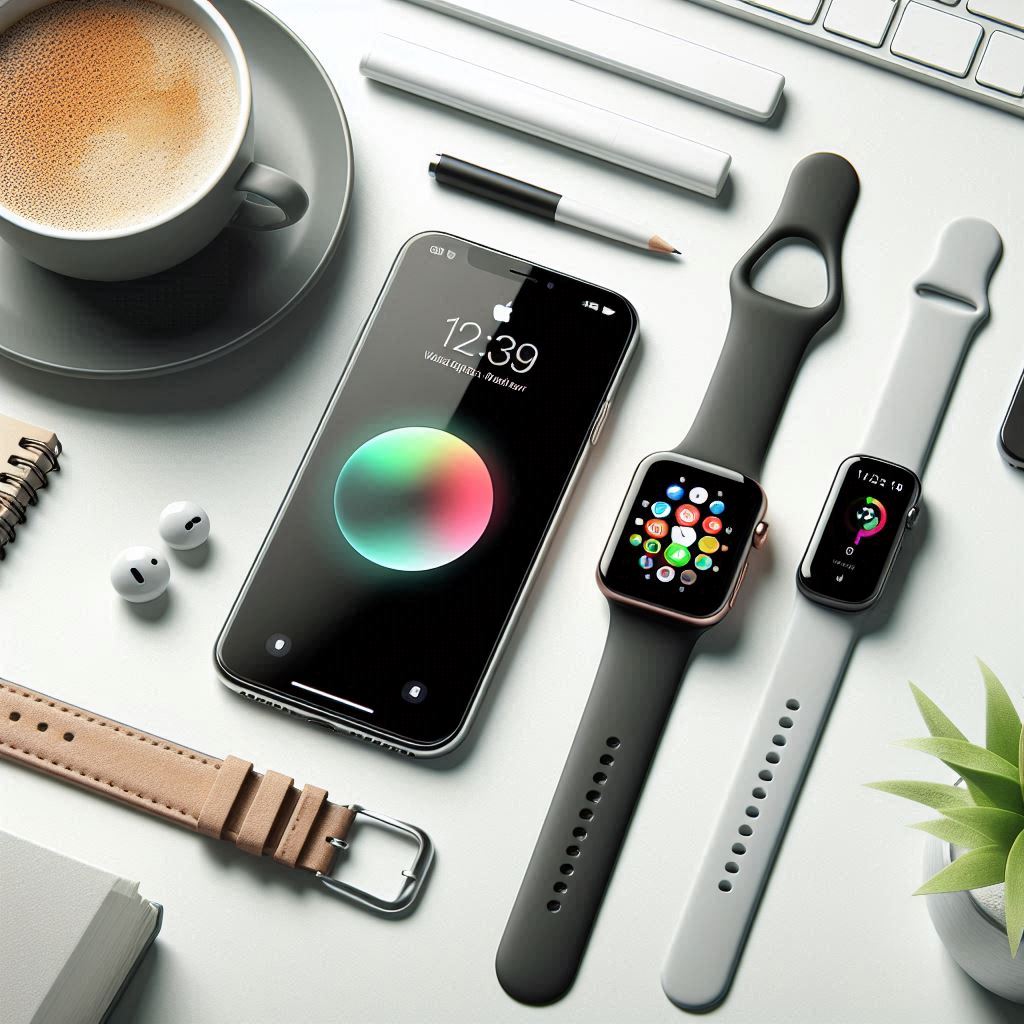
Best Smart Watch Comparable to Apple Watch
If you have not been sold by Apple’s design and pricing, here then are buys of the best smart watches comparable to Apple Watch:
✅ Garmin Venu 2 Plus
Pros: Longer battery life, accurate sensors, AMOLED display clarity
Cons: No third-party app store
Verdict: Perfect for those who love fitness.
✅ Withings ScanWatch
Pros: Longer battery life, accurate sensors, AMOLED display clarity
Pros: Hybrid design, FDA-approved ECG
Cons: No touchscreen
Verdict: Great for those who want a classic look with concrete health features.
✅ Fitbit Sense 2
Pros: Stress management, ECG, heart rhythm alerts
Cons: Slight app delays on iPhone
Verdict: Great for wellness-conscious users on iPhone.
Choosing the Right iPhone-Connect Smart Watch
Choosing the best smartwatch for your iPhone depends on your needs-i.e., whether it is full iOS integration, great fitness tracking, brilliant battery life, or looks. On the whole, Apple Watch integrates very well, with calling, messaging, Siri, and deep integration with Apple Health. Apple Watch Series 9 and SE, for example, are perfectly tailored to the iPhone for excellent performance.
But if you want good health tracking and a long battery life, Garmin, Fitbit, and Withings are very good alternatives. None of these will let you reply to messages or use Siri, but they will excel in fitness, sleep, and stress monitoring-and many can last a few days on one charge.
Design options also factor into it. Apple Watches look all sleek and modern, while Withings options go more for the traditional classy vibe. Then there’s the matter of price: Apple Watches will set you back plenty, while Fitbit and other alternatives can be gotten for next to nothing.
The right smartwatch is the one that fits you and your lifestyle: a snappy Apple ecosystem integration or a health buddy that just keeps going and going.
Final Thoughts: Making the Right Choice
To conclude, if you want the most compatible and feature-rich smart watches for iPhone users, the Apple Watch Series 9, and Apple Watch SE can’t beat that. But for longer battery life, specialized fitness tracking, and going non-Apple, there are also fantastic choices and those choices include Versa 4, Venu 2 Plus, or ScanWatch.
Android watches can pair with iPhones; however, integration goes limited- so stick with fully iPhone compatible smartwatches if seamless functioning is top priority.
FAQs
What is a smartwatch compatible with iPhone?
A smartwatch that iPhone users can use is one that will easily connect and synchronize with iOS devices for calls, messages, notifications, fitness data, and app alerts without connectivity issues.
Which is the best smartwatch for iPhone users?
The one that best suits iPhone users has features like full compatibility with iOS, easy Bluetooth connection, precise health metrics, good notification support, and decent battery life. These features make it very convenient to keep the user connected all day long.
Do non-Apple smartwatches work with iPhone?
Non-Apple smartwatches are indeed operable with an iPhone if they support iOS. Via Bluetooth, these smartwatches can easily be connected and most essential features like, notifications, fitness tracking and call alerts will be available to the users.
How do I know if a smartwatch works with iPhone or Apple devices?
A quick way to find out if a smartwatch is compatible with iPhone or Apple devices is to see if it supports iOS in its specifications or mentions that it is compatible with Apple iPhone models. Smartwatches that work with iOS normally need an app that can be downloaded from the Apple App Store.
What features should I look for in a mens smartwatch compatible with iPhone?
The key features of a mens smartwatch that is compatible with iPhone should be: excellent health tracking, receiving and sending messages and calls, strong and durable, long battery life, and seamless integration with iOS devices.
What is the best womens smartwatch compatible with iPhone?
The best womens smartwatch compatible with iPhone is the one that features a beautiful design along with iOS compatibility, fitness and health tracking, alert notifications, and a very comfortable and light weight for everyday wear.
What is the most reliable iPhone-compatible smartwatch for older iOS versions?
When compared to other watches on the market today, the Apple Watch SE (2nd Generation) is considered the most reliable choice. This model of watch also works perfectly with older phones (the iPhone 8 and newer) and provides full iOS integration by allowing you to receive notifications, track your health, and perform basic smart functions.
What are the top-rated smartwatches for iPhone users looking to manage smart home devices?
Apple Watch Series 9 is the best option for controlling your smart home devices. It integrates perfectly with both Siri and Apple Home, giving you the ability to control your HomeKit-compatible accessories right from your wrist.
What are the best smartwatches for artists and designers using iPhones?
The Apple Watch Series 9 makes it easy to integrate with your iPhone, customize your watch faces, access productivity apps, and quickly receive notifications that will help you creative workflows.
For a busy professional, which smartwatch syncs best with iPhone calendars and reminders?
Both Apple Watch SE (2nd Generation) and Apple Watch Series 9 provide the best options for syncing with both your Calendar and Reminders on your iPhone, providing you with real-time updates and making it easy to manage your tasks.